![OE logo.svg]](https://support.ovaledge.com/hubfs/OE%20logo.svg)
Tag window in Home page displays all the master tags that are created in the application
To navigate using Tags
- From the home screen navigate to the tag associated with your data object.
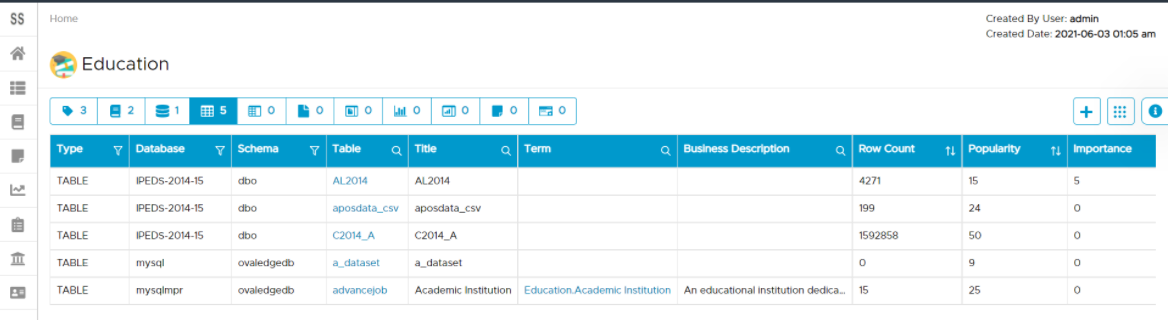
- Select the type of data object you are searching for, we get below screen:
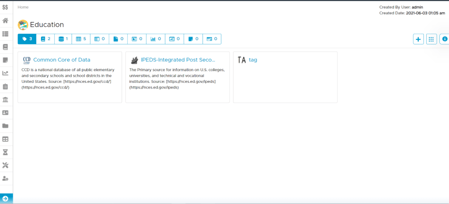
- Click on the name of the data object you wish to navigate to as shown below: