![OE logo.svg]](https://support.ovaledge.com/hubfs/OE%20logo.svg)
Download Impacted Objects
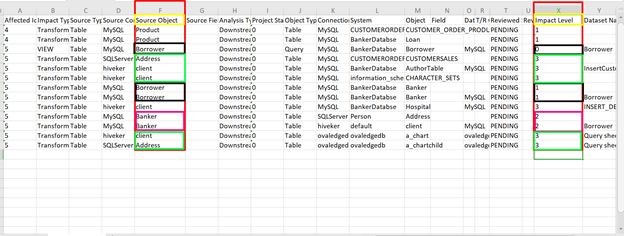
To download Impacted objects as an excel file for offline analysis, click on the Download Impacted Objects option in the  menu.
menu.
Manage Impacted Objects
Impacted objects can be managed through projects for subsequent activities by stakeholders.
Add Impacted Objects to Projects
- Select the impacted objects.
- Click the
 nine-dot icon on the top right-hand corner of the screen. Click Add to Project option.
Remove Impacted objects from projects
To remove Impacted objects from projects:
- Select the impacted object by clicking on the checkbox.
- Click the
 nine-dot menu on the top right-hand corner of the screen. Click on Remove from Project option.